
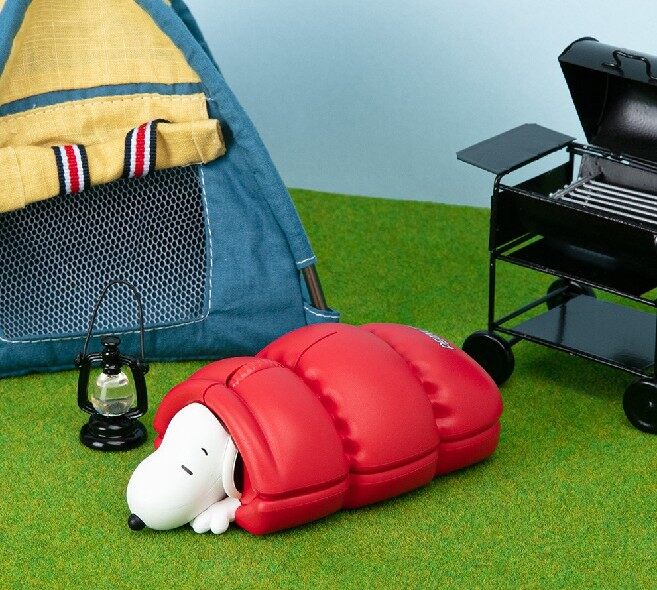
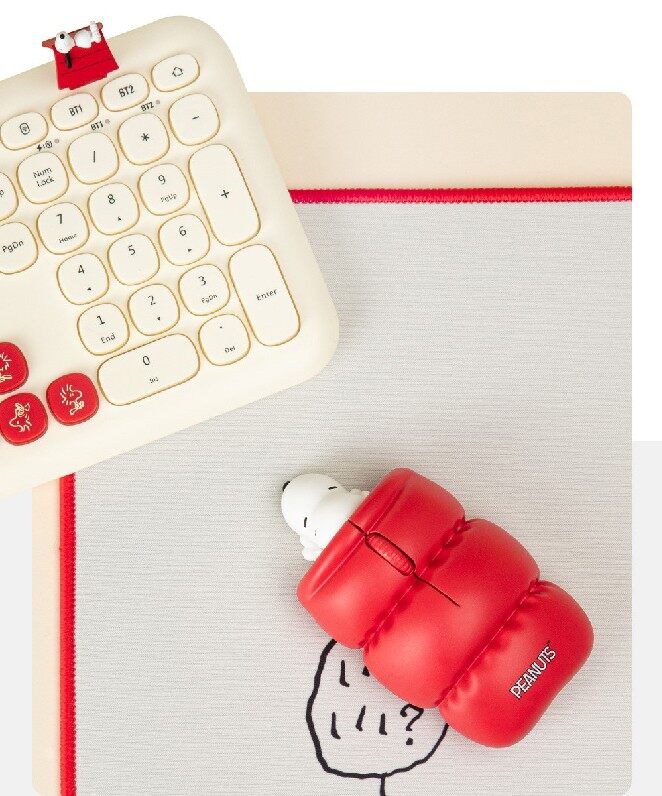
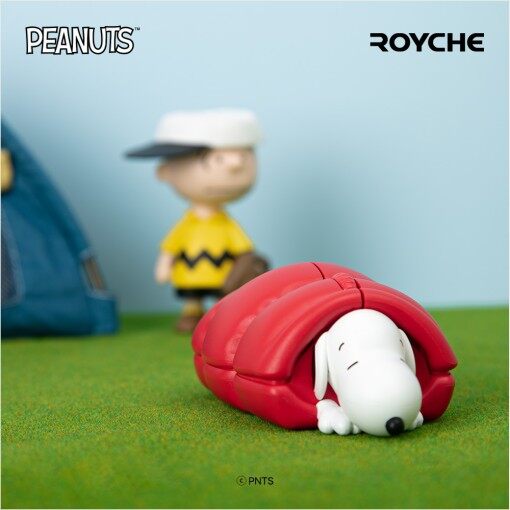
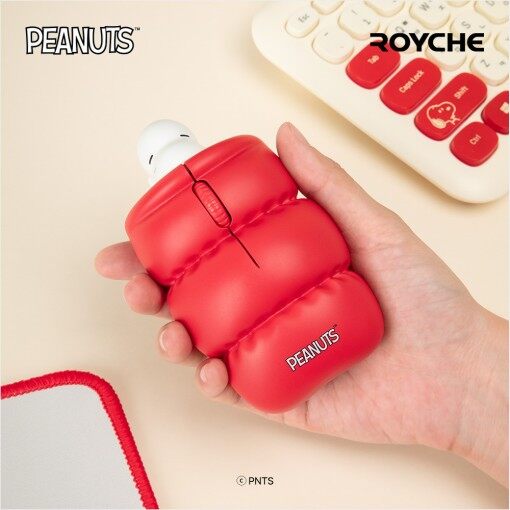
This is a cuter figure mouse with a three-dimensional look of the popular Snoopy.
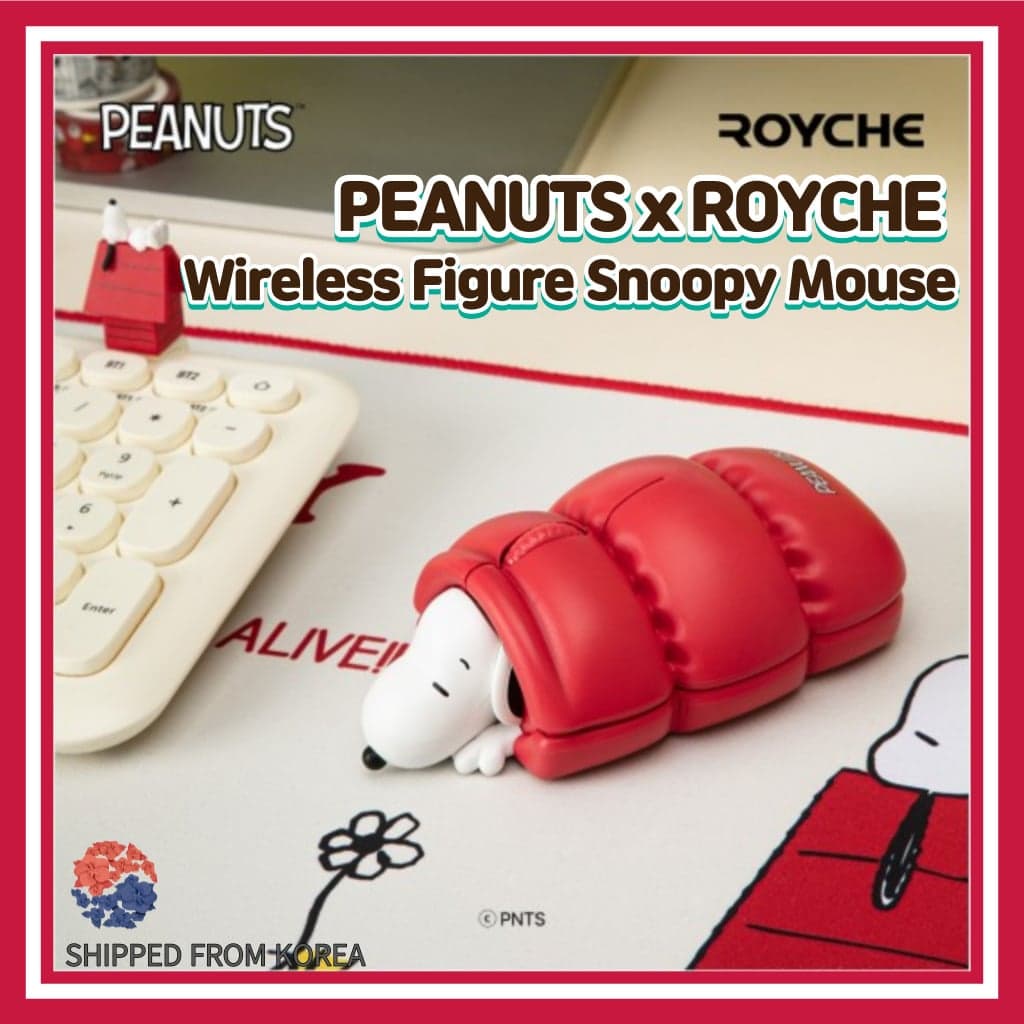
PEANUTS x ROYCHE Wireless Figure Snoopy Mouse/Noise/Nano Receiver/2.4GHz/ Bluetooth Mouse/ Wireless Mouse/Character Mouse/Snoopy Goods/Korea mouse/Character Mice
$59.99$100.00-40%
✗ Out of Stock
🚚
Worldwide Shipping
Delivered to your doorstep
🔒
Secure Payment
100% protected checkout
✓
Authentic Products
Guaranteed genuine items
Product Details
- I want to introduce good products to you and create your best moments
- We promise to do our best to satisfy our customers.
- We offer high quality products with competitve prices
- All of Our Products Are 100% Authentic (100% Refund If Any Items Are Fake)
You can see various character products when you come to our 'at my best' shop.

This is a cuter figure mouse with a three-dimensional look of the popular Snoopy.
* PEANUTS Official License
* The cute design also has an interior effect.
* Comfortable grip thanks to ergonomic design
* It is good to use in the office or cafe with noiseless click
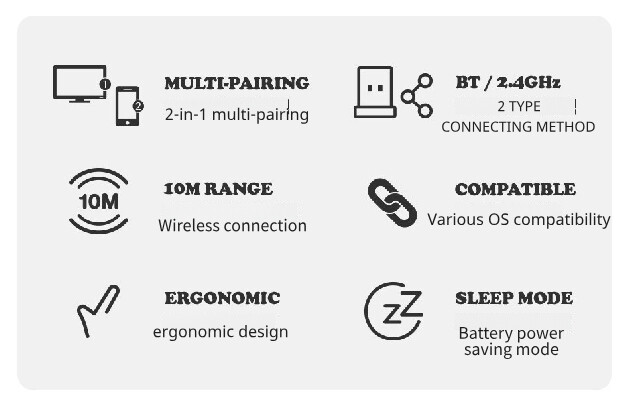
* 10M wireless connection
* 1200DPI, the most suitable speed for office use
* Automatically switches to sleep mode if there is no activity for a certain period of time
* You can pair with nanoreceiver and Bluetooth in two ways
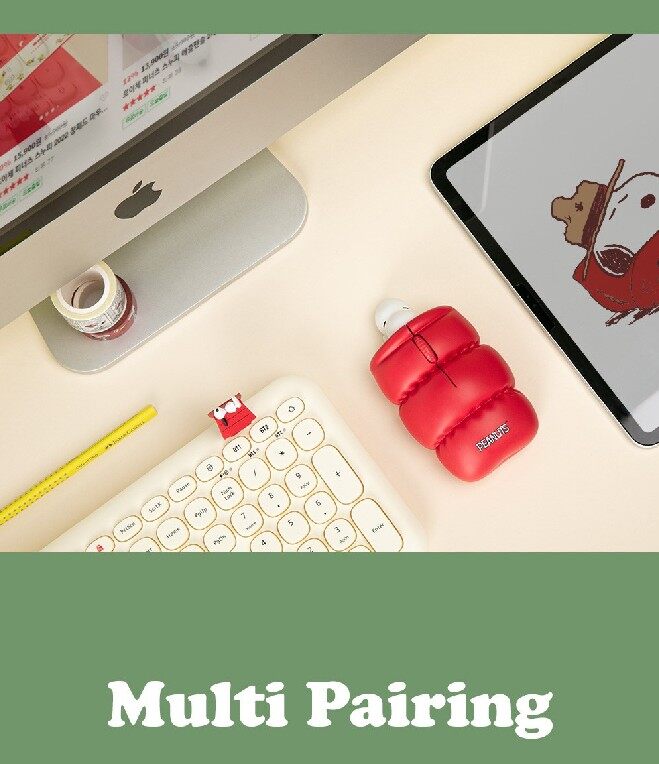
* In multi-pairing mode, it is convenient to connect 2 in 1 computers, laptops, pads, mobile phones, etc. at once
Figure Snoopy Mouse
User's Guide
nano receiver
(Due to the nature of overseas shipping, it is shipped after removing the battery)
Product - 12.2 x 17 x 4.5cm
Package 8.8 x 6.8 x 13.6 cm
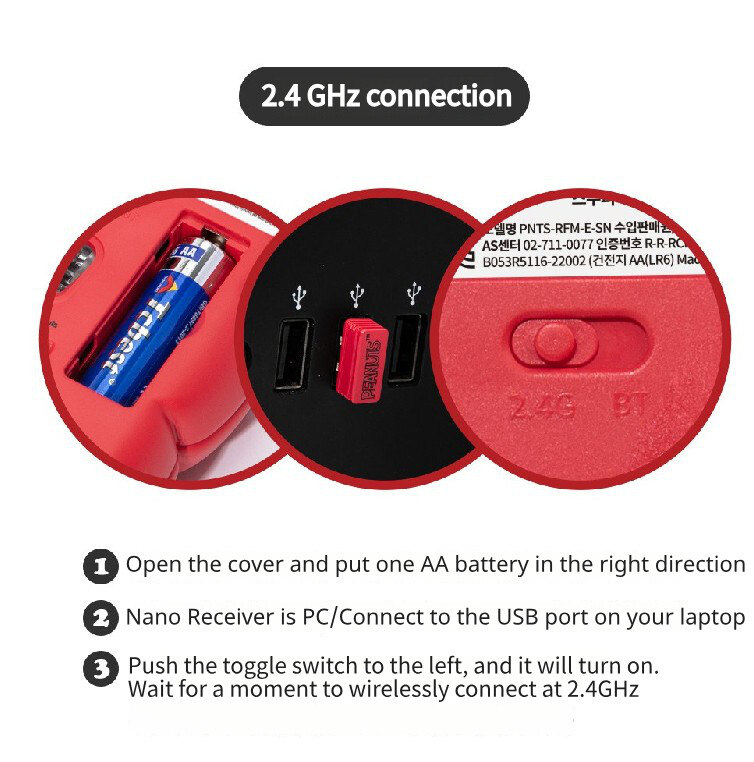
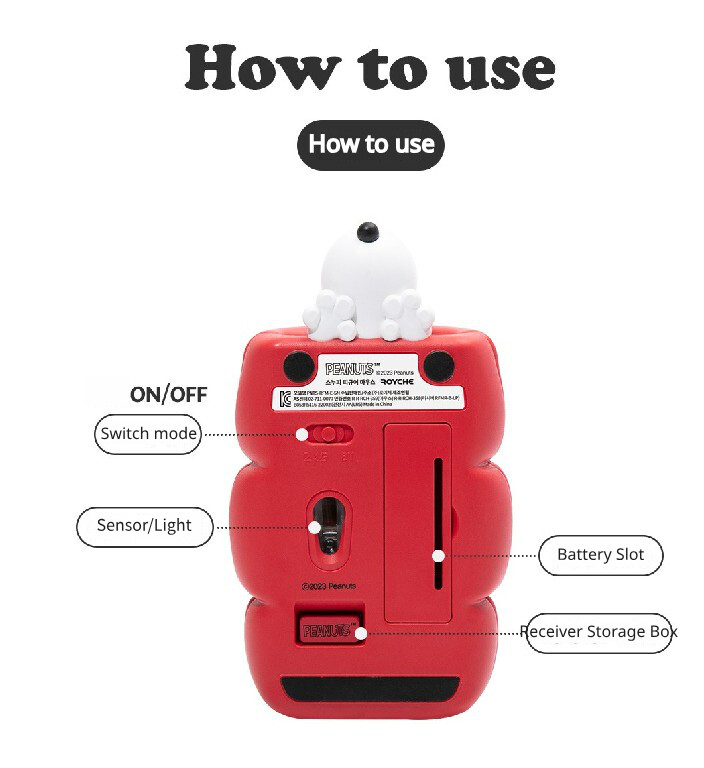
1. Insert 1 AA battery and turn on the power button
2. Connect the nano receiver to the USB port of your PC/laptop.
3. Slide the toggle switch to the left to turn on and connect wirelessly to 2.4GHz.
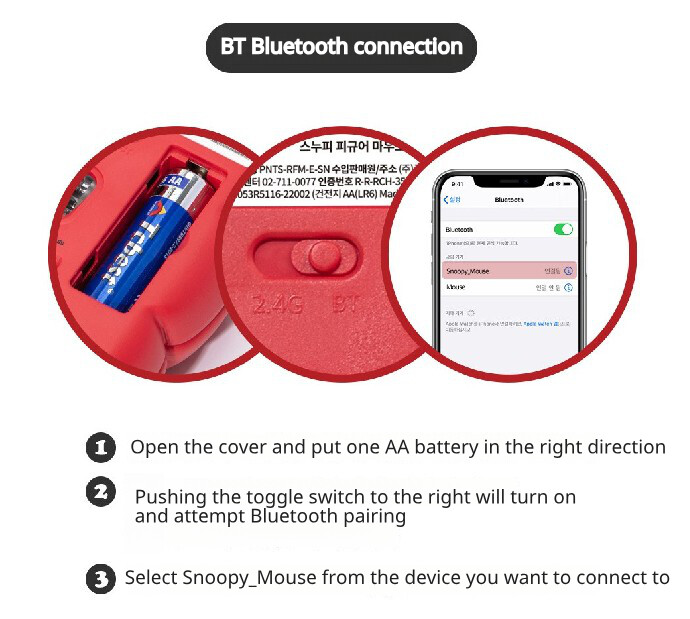
1. Insert 1 AA battery and turn on the power button
2. When you slide the toggle switch to the left, the power turns on and Bluetooth pairing is attempted.
3. Select Snoopy_Mouse from the device to connect to
* In the case of iPhone, when Assitive Touch is activated in Settings, the mouse cursor is displayed.





![[Actto] W503 Korean keyboard Retro Wireless keyboard 5colors](/_next/image?url=https%3A%2F%2Fmedia.nowinseoul.com%2F2022%2F01%2F1-2.jpg&w=3840&q=75)
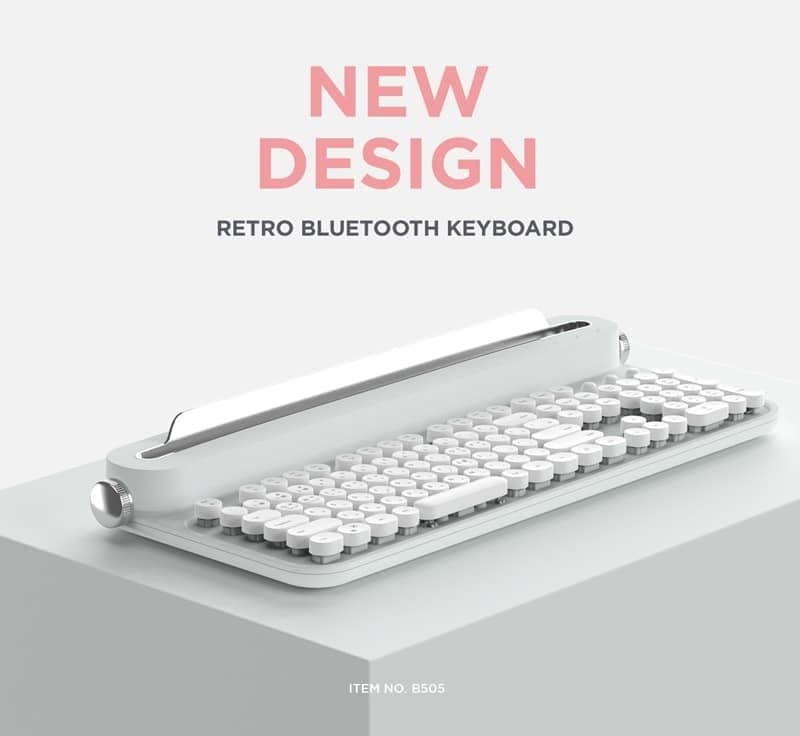
![[ACTTO] B305 Korean Keyboard Retro Bluetooth Keyboard 5 Colors](/_next/image?url=https%3A%2F%2Fmedia.nowinseoul.com%2F2022%2F05%2FoNQ4nBxP-2-2.jpg&w=3840&q=75)
![[Actto] B303 Korean keyboard Retro Mini Bluetooth Keyboard 5colors](/_next/image?url=https%3A%2F%2Fmedia.nowinseoul.com%2F2022%2F03%2FvoLJdrlc-98a8918df3f8aab9.jpg&w=3840&q=75)